

If you need to find a waste site for a specific material, What Waste Code is designed to help you get from "where can I send this waste?" to "which sites can process this waste" with less guesswork.
This guide shows how to use the platform step by step. It is useful if you already know the EWC code, or if you want to start with a plain-English waste description and narrow down the right code after.
What This Guide Helps You Do
This guide shows you how to:
- search by waste type or known EWC code
- narrow results to a more relevant shortlist
- prioritise sites near your location
- compare options on a map
- check published site details before you make contact
Step 1: Start With the Waste You Need to Move
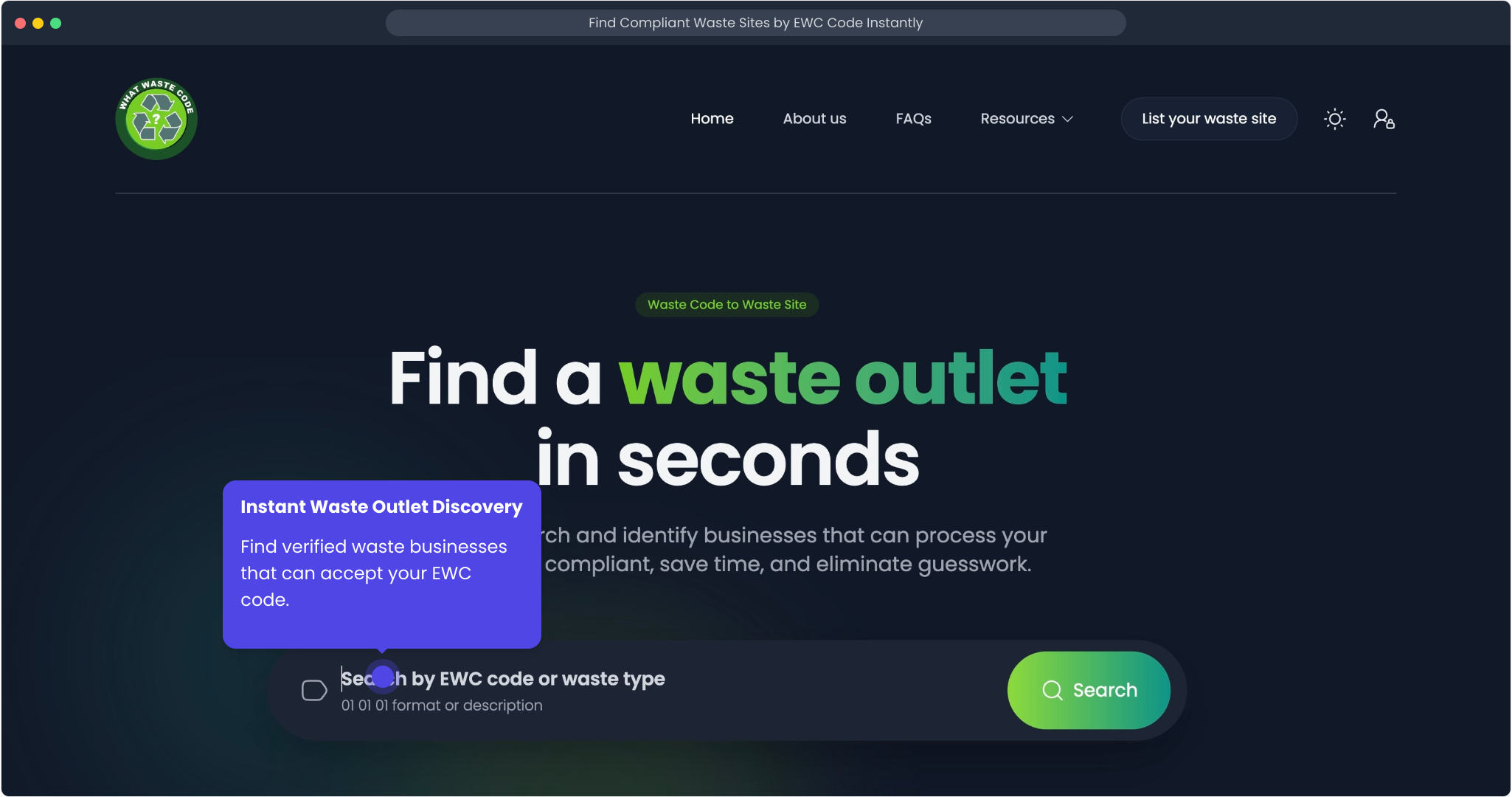
Go to the homepage and enter either a waste description or a known EWC code.
Step 2: Pick the Closest EWC Code Suggestion
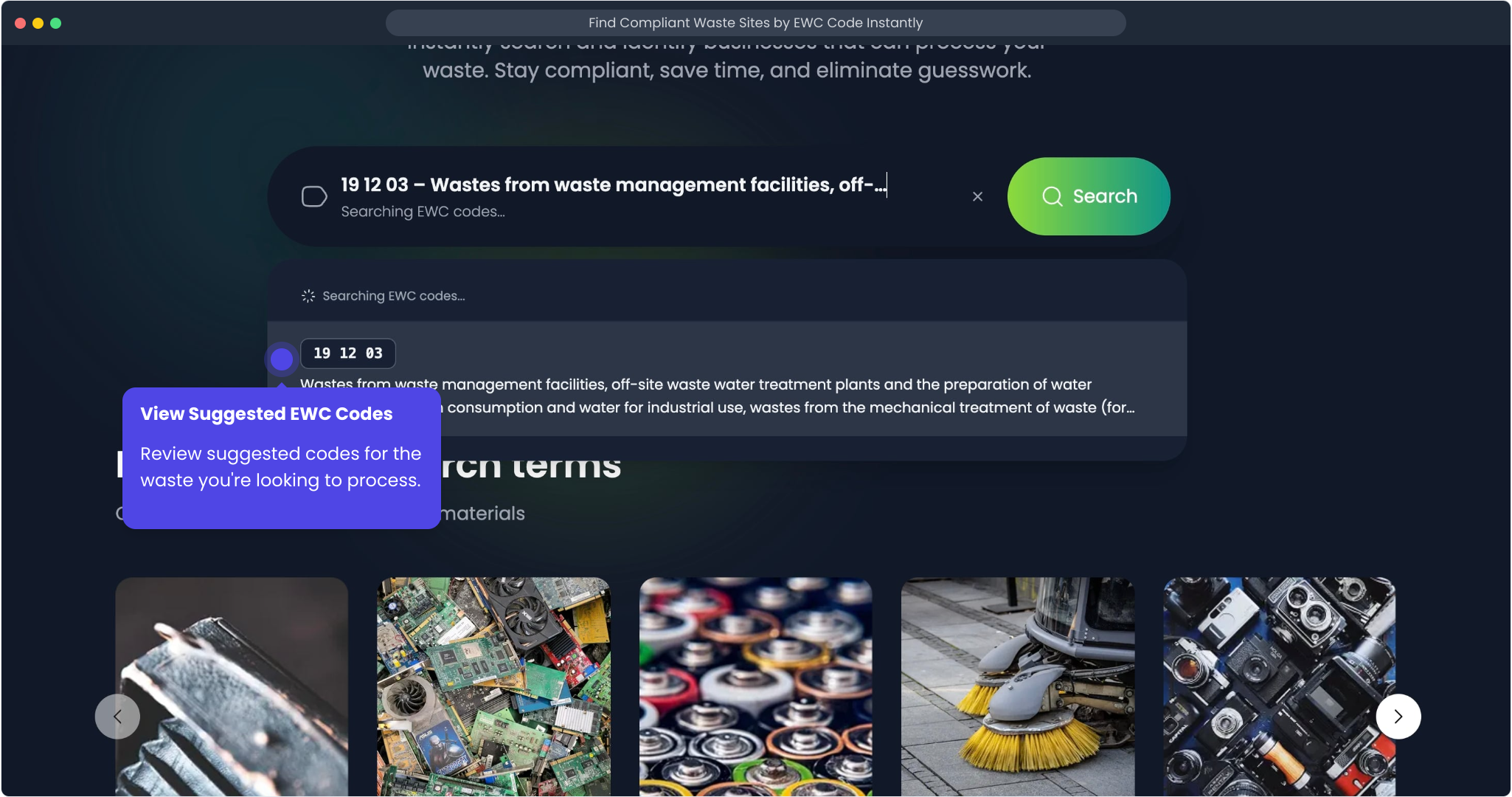
As you type, What Waste Code suggests matching EWC codes. Choosing the closest match helps tighten your results before you start reviewing individual sites.
Step 3: Review Matching Waste Sites
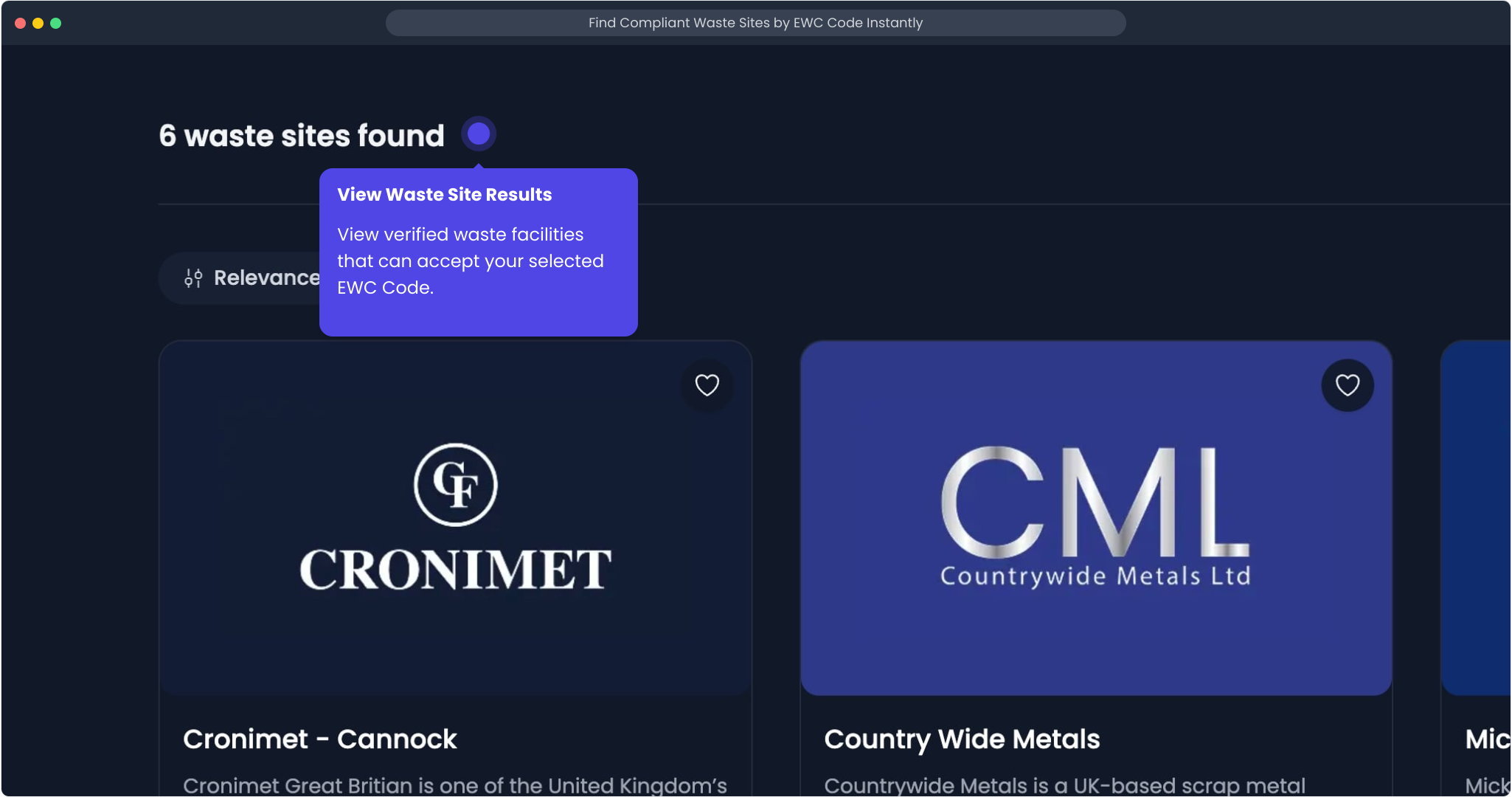
After you select a code, the results page shows waste sites that match that stream. This gives you a practical shortlist quickly, rather than leaving you to piece one together manually.
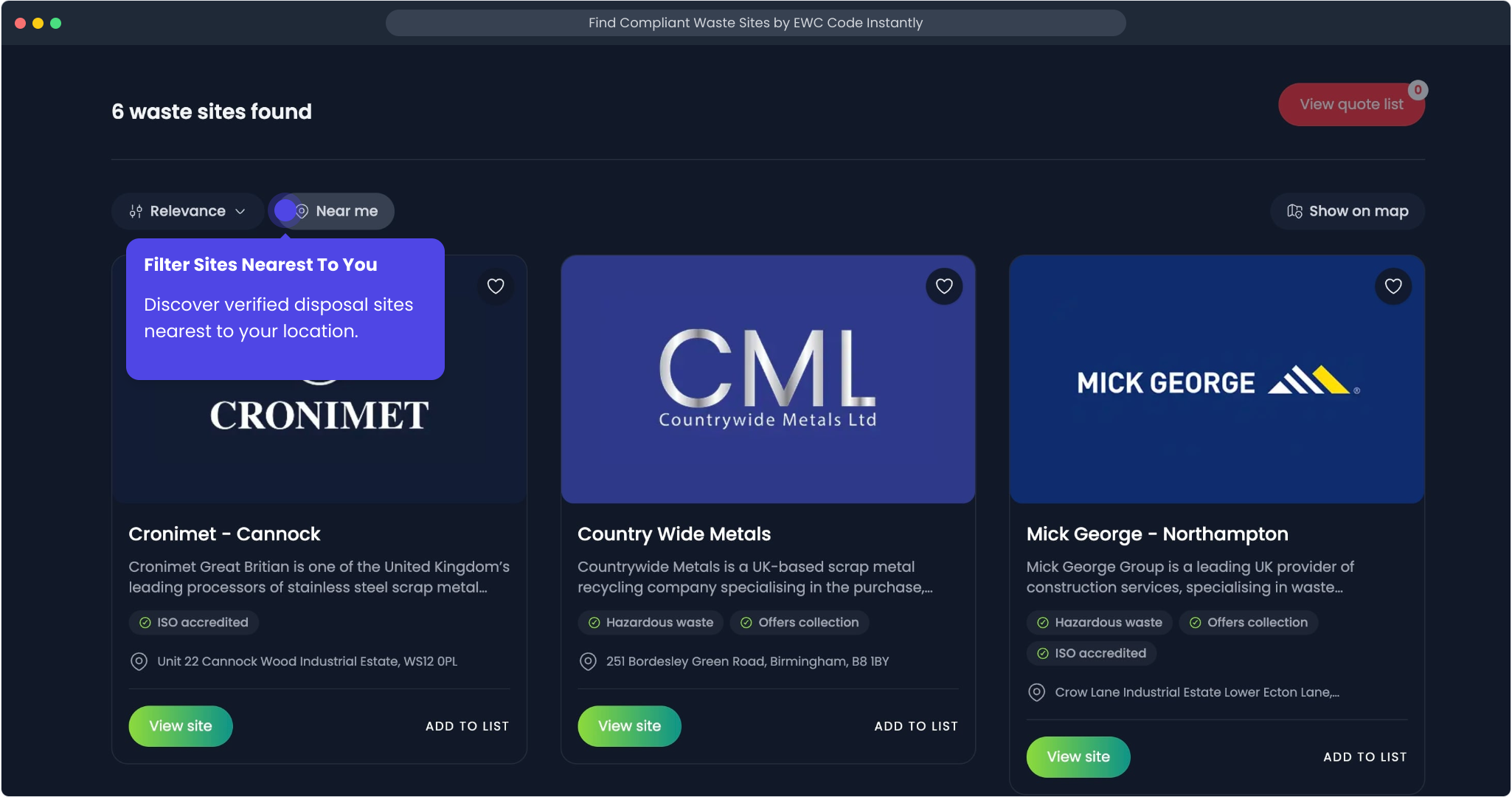
Step 4: Bring Nearby Sites to the Top
Use the near-me filter when transport distance matters. This helps you focus on nearby options first and spend less time checking sites that may be impractical.
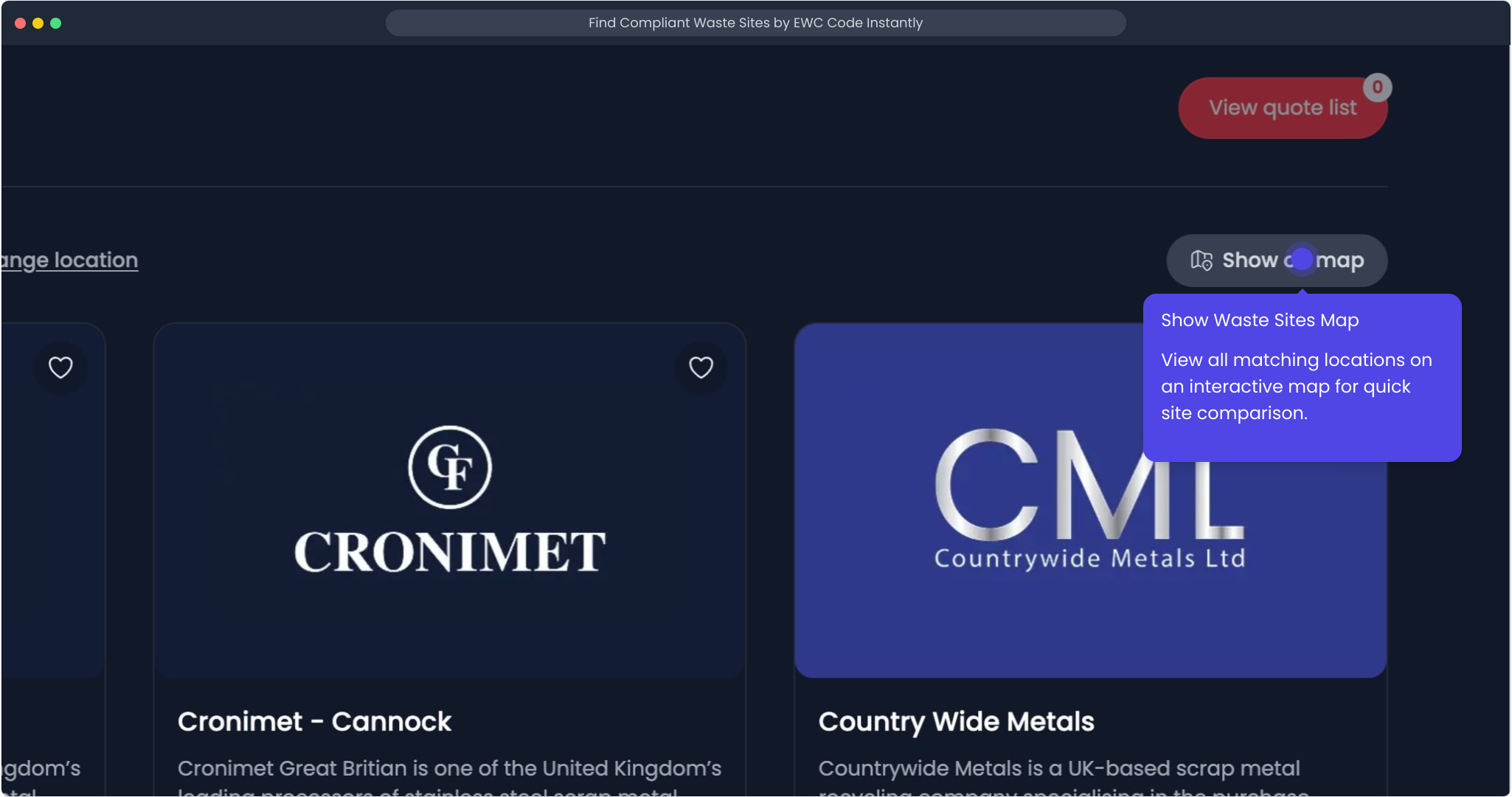
Step 5: Compare Options on the Map
Switch to map view to see where matching sites are located. This is useful when you want to compare travel distance, or sense-check which options are realistically convenient.
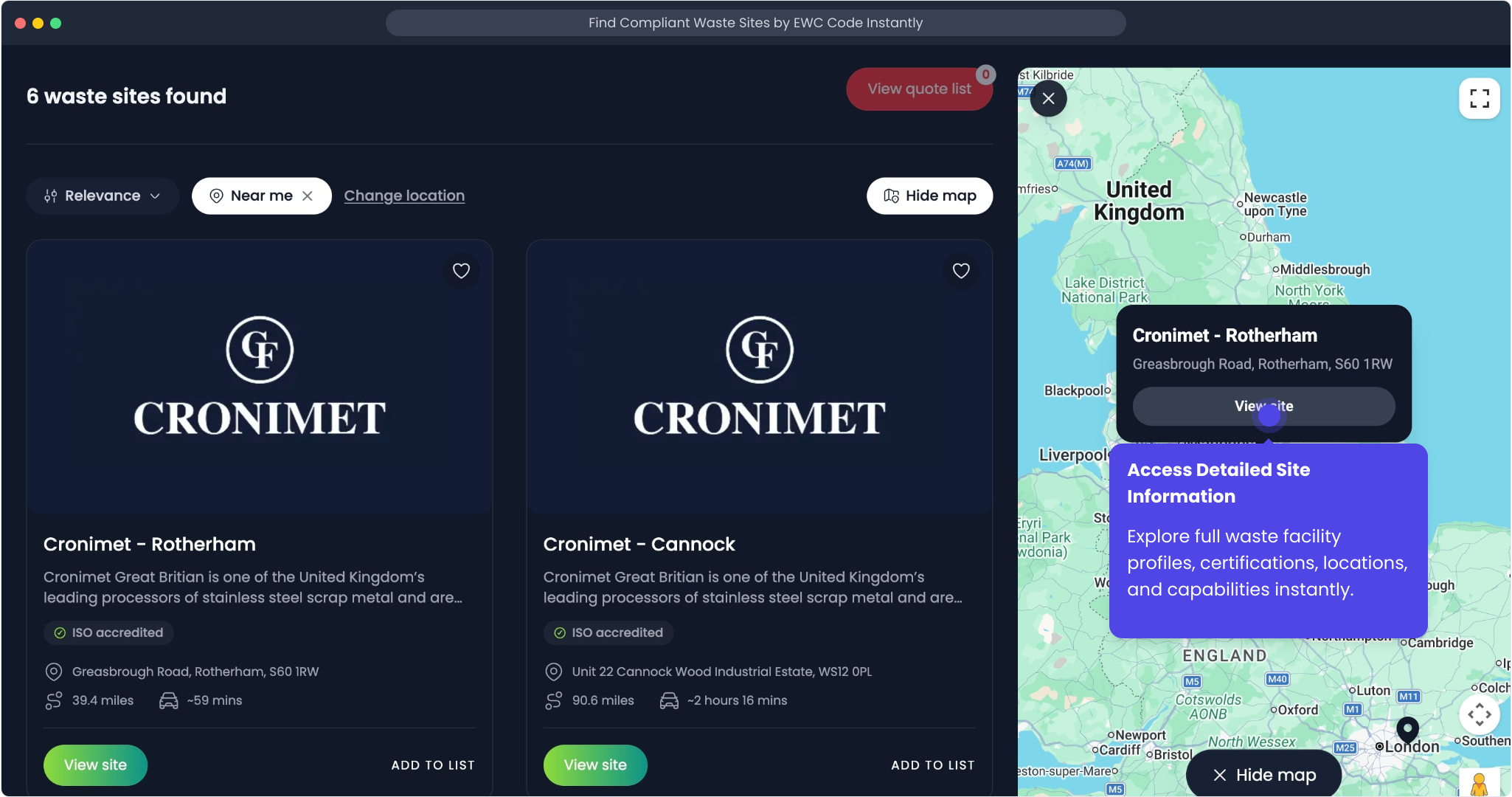
Step 6: Open a Full Site Listing
Select a result to open the full listing. This is where you move from a broad shortlist to checking whether a specific site looks suitable for your waste stream.
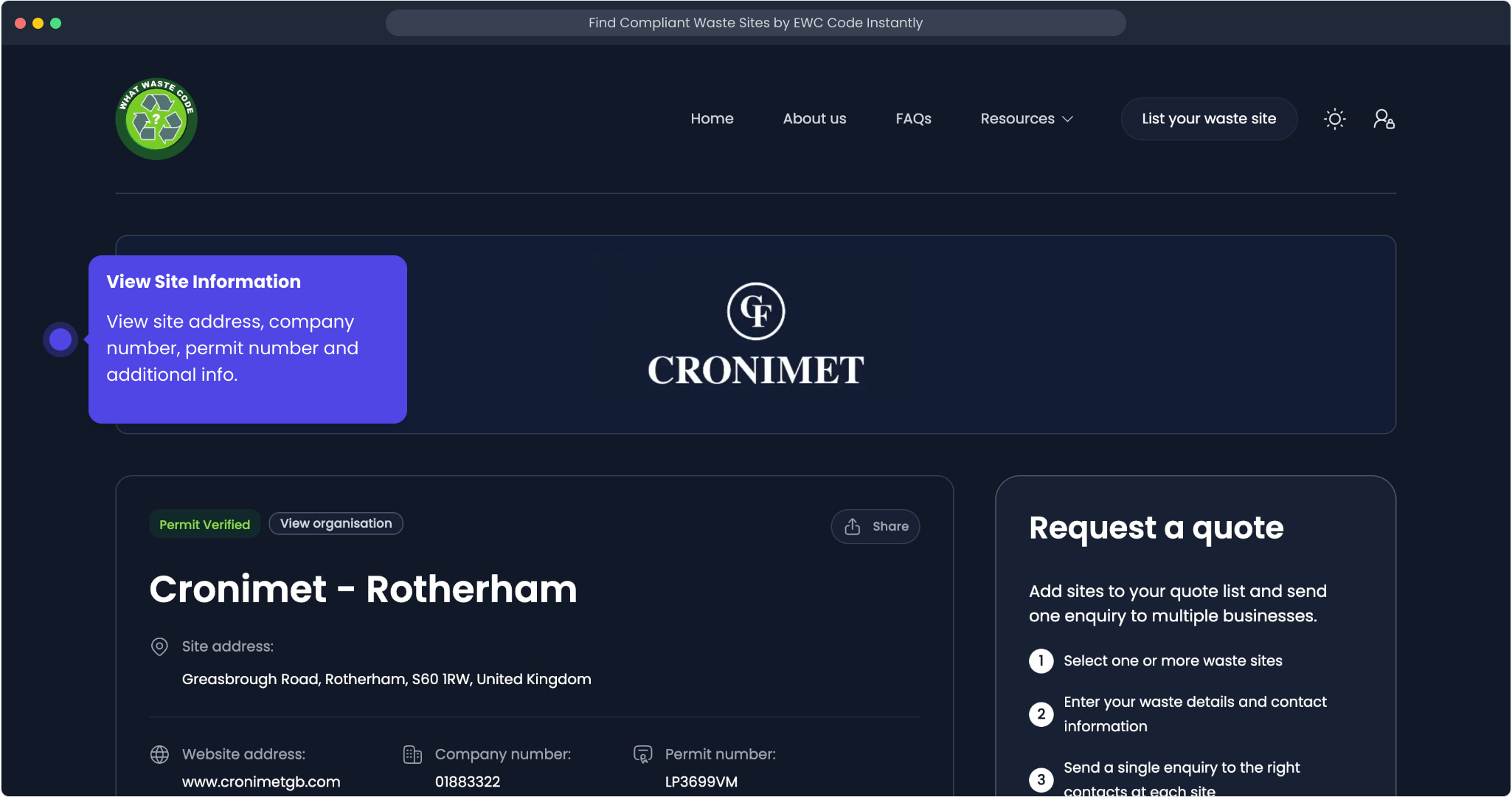
Step 7: Check Who Operates the Site
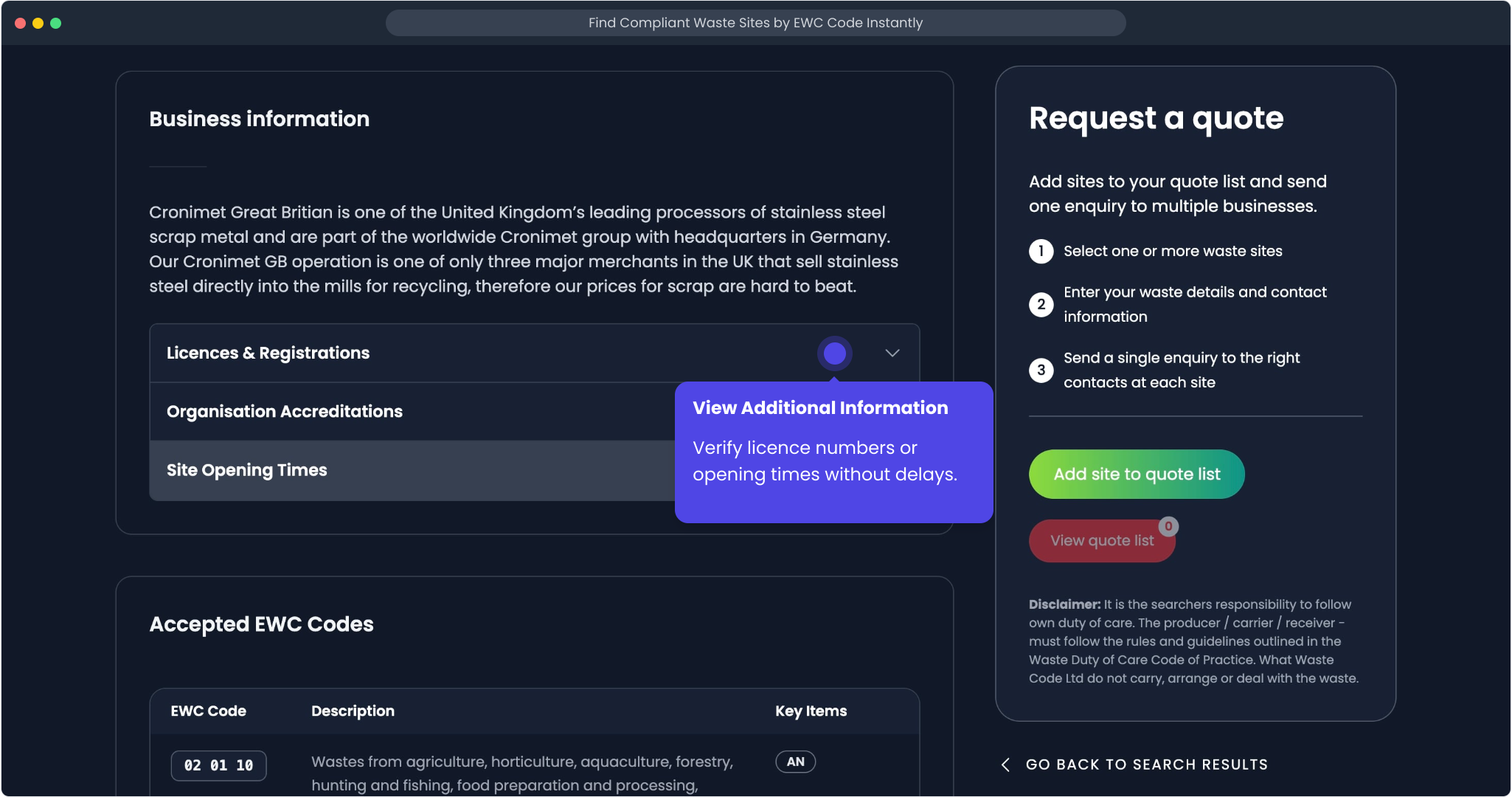
Review the core published details, including the operator, site address, company number, and permit number. These details help you understand who runs the facility before you go any further.
Step 8: Review Practical Site Details
Open the additional information section to check supporting details such as licence references or opening times.
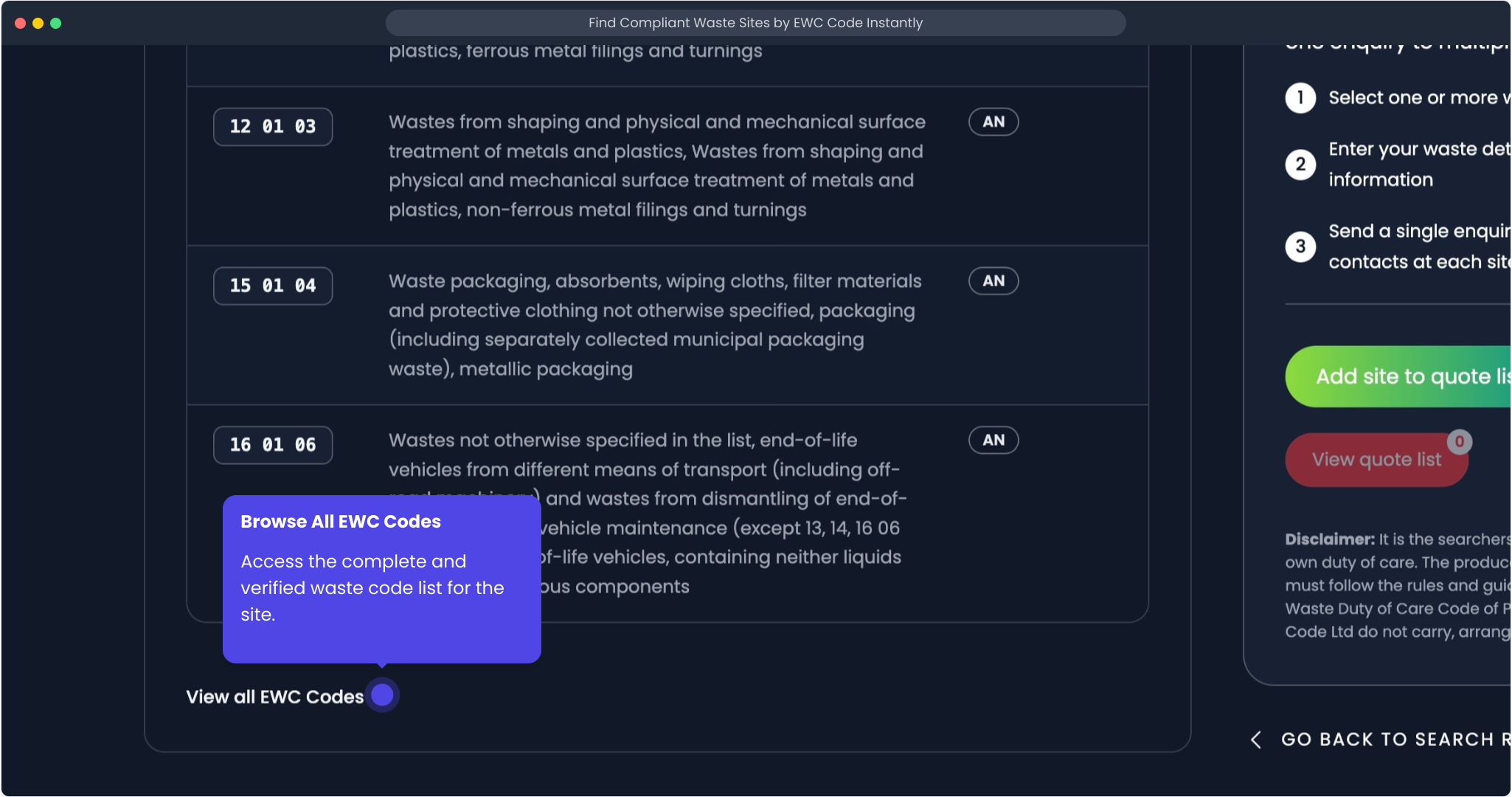
Step 9: Confirm the Site's Published EWC Codes
If you want more confidence before making contact, review the full list of EWC codes published against the site. This helps you sense-check whether the outlet looks relevant for your material or anything else you might wish to send to them.
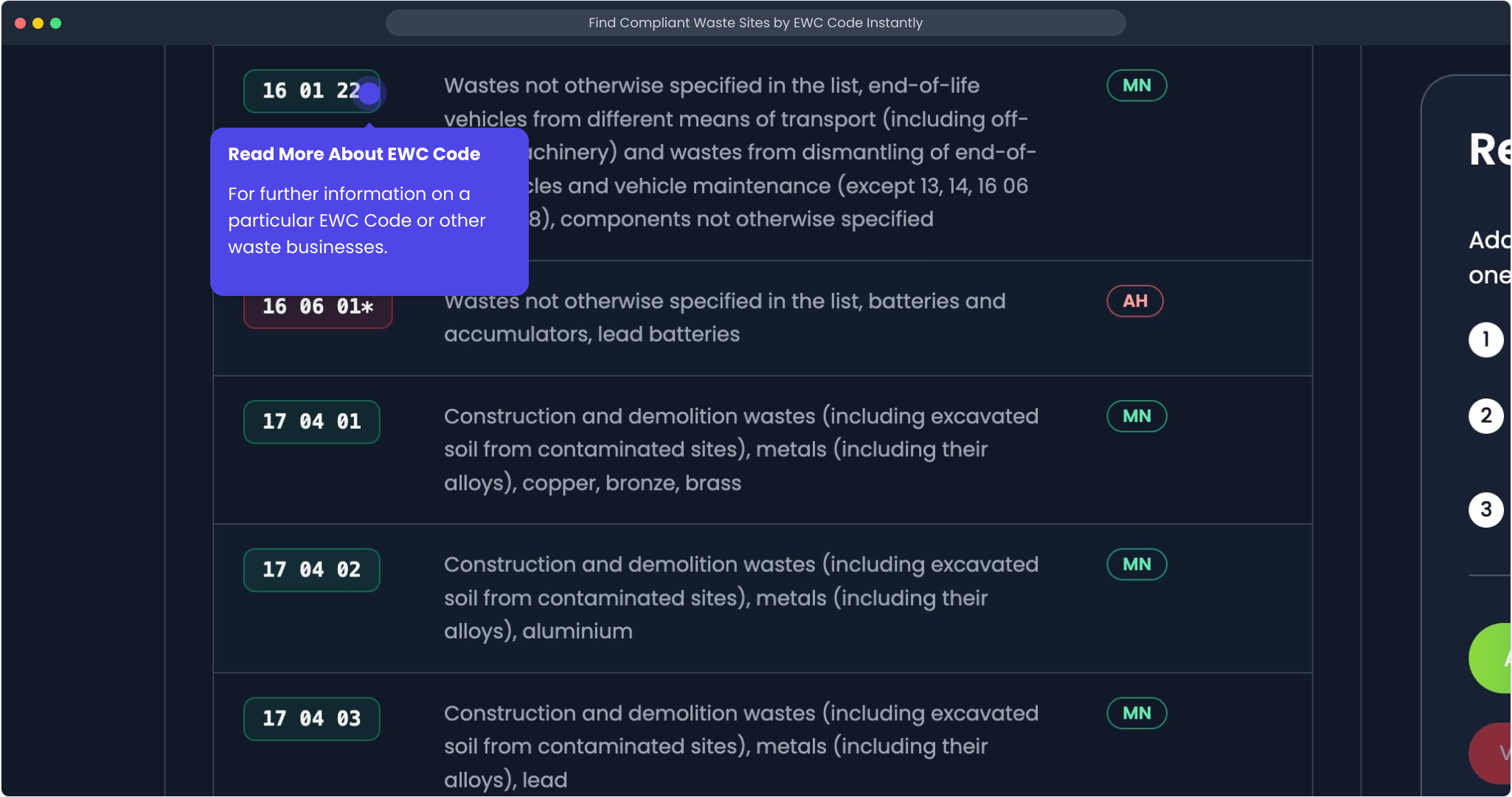
Step 10: Open the EWC Code Page for More Context
If you need to validate the code further, open the wider EWC Codes reference pages from the listing.
Why This Helps
Using What Waste Code in this order helps you move from uncertainty to a shortlist faster:
- start with the waste description you already have
- narrow to the most relevant EWC code
- review matching sites in one place
- filter by distance and compare locations visually
- inspect key site details before you decide who to contact
Start Your Search
If you are ready to look for a site, go to search. If you want to understand the code first, start with the EWC Codes reference pages.